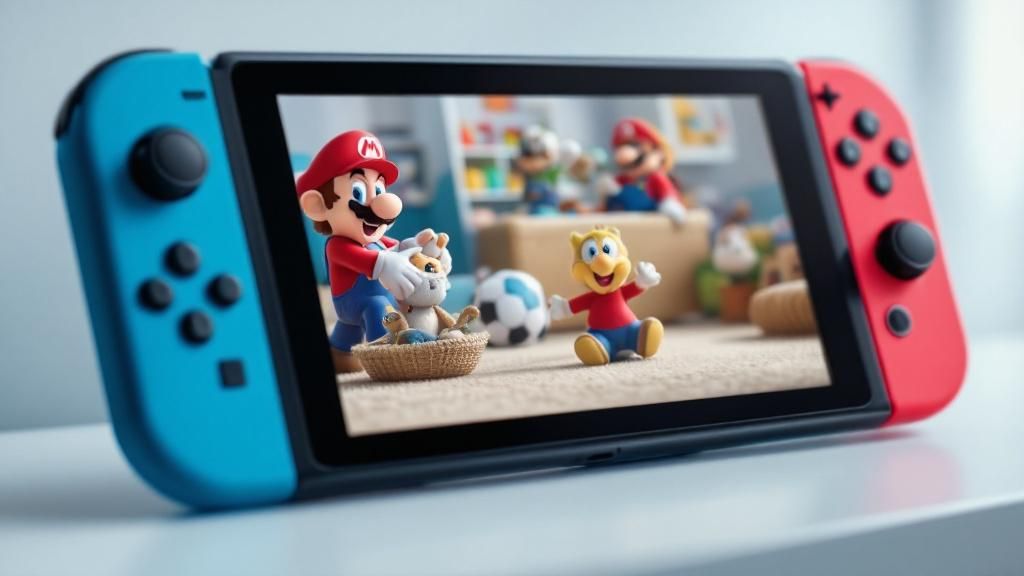

Nintendo has unveiled an extensive guide created to equip parents with robust tools for managing their children’s play sessions. This updated resource tackles growing concerns about online safety, managing screen time, and content appropriate for their age by explaining the company’s strong parental controls and child-safe features. Whether you’re seeking to restrict access to specific games, monitor online interactions, or establish playtime boundaries, this guide offers step-by-step instructions and practical advice to protect your family gaming space whilst maintaining an fun gaming experience.
Learning about Nintendo’s Parental Control System
Nintendo’s family control system constitutes a comprehensive framework to gaming safety for families, offering parents fine-grained management over their kids’ gaming activity across several devices. The system functions seamlessly with Nintendo Switch consoles, smartphone apps, and web interfaces, delivering a unified platform for controlling access. By learning how to use these controls, parents can properly set limits that keep their young ones safe whilst promoting a constructive relationship with gaming entertainment.
The thorough nature of Nintendo’s product range ensures that families of differing technical proficiency can operate the system with ease. Rather than enforcing a standardised approach, the platform enables personalisation based on individual family needs and values. From age ratings and parental controls to expenditure restrictions and messaging controls, parents obtain the control to customise settings that align with their household’s specific requirements and approach to child-rearing.
Setting Up Family Accounts and Individual Profiles
Setting up a family group on your Nintendo console is the foundational step towards implementing effective parental controls. By setting up a family group, you can link multiple user accounts together, assigning one as the administrator account. This tiered system allows parents to supervise all connected profiles, handle permissions, and set consistent rules across the family’s gaming experience. The initial setup is simple and requires only a few minutes of initial configuration.
Once your family group is established, you can create separate user profiles for each family member, applying suitable age restrictions and limitations based on their maturity levels. Nintendo’s system enables you to customise settings for each account independently, so that younger children can have stricter limitations whilst older siblings enjoy more freedom. This adaptable system ensures that every family member’s gaming experience remains both fun and safe, whilst giving parents full oversight and management over what content is accessible to whom.
Advanced Safety Features and Surveillance Equipment
Real-Time Activity Monitoring
Nintendo’s sophisticated monitoring capabilities enable parents to monitor their children’s gaming activities in real-time, offering useful information into what games are being played and for how long. The system generates detailed activity reports that detail playtime across specific games, helping parents to recognise habits and adjust restrictions accordingly. This transparency fosters candid discussion between parents and children regarding gaming habits, whilst confirming that young players stay involved with proper titles throughout their gaming sessions.
Communication and Social Interaction Controls
Understanding the importance of internet security, Nintendo has introduced comprehensive tools to control social engagement and communications. Parents can restrict or block direct messaging capabilities, regulate friendship invitations, and track online multiplayer engagement to protect children from inappropriate contact. These features operate smoothly across Nintendo’s integrated systems, guaranteeing uniform safety protocols whether children are playing on stationary or handheld systems, thereby establishing a safe space for multiplayer gaming.
Customised Constraints and Emergency Functions
The comprehensive guide outlines how guardians can set up tailored, personalised controls aligned with individual family needs and values. Emergency pause functionality permits guardians to immediately pause gameplay during unsuitable content, whilst spending limits restrict unauthorised in-game spending. Furthermore, the company provides recommendations on creating healthy gaming habits through regular rest periods features, helping to ensure children build healthy connections with digital play whilst maintaining parental oversight and oversight during their digital entertainment journey.
